  |
Knowledge
Base FAQ's & Technical Guides |
How do I reinstall an EPSON scanner on MAC OS Classic?
To reinstall simply insert the EPSON Scanner software CD-ROM and select uninstall. This will uninstall the driver. On completion insert the EPSON Scanner Software CD-ROM and run through the Installer.
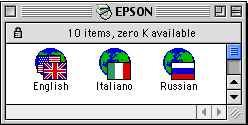
Insert the ESPON Scanner Software CD-ROM. Select your language.
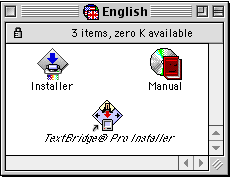
Double click Installer.
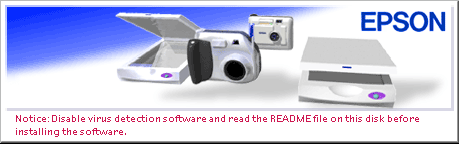
Follow the instructions of this screen.
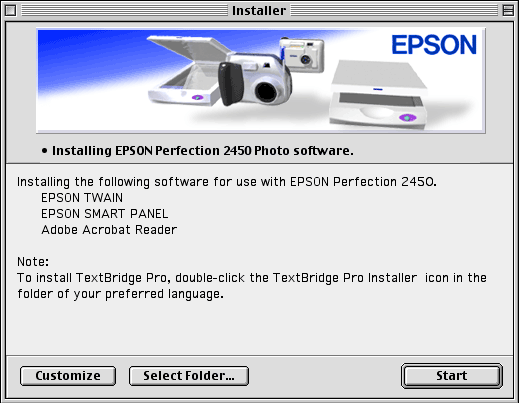
Click Start.
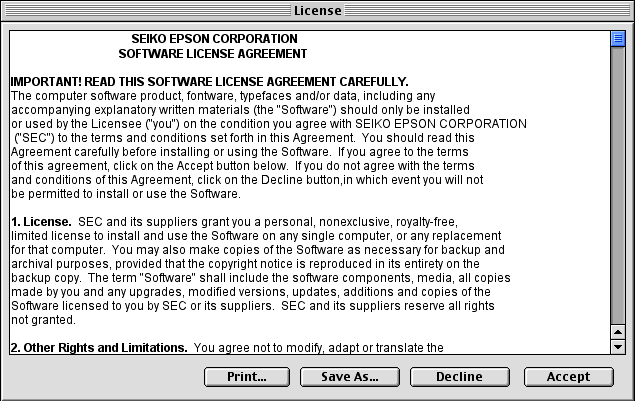
Click Accept to proceed.
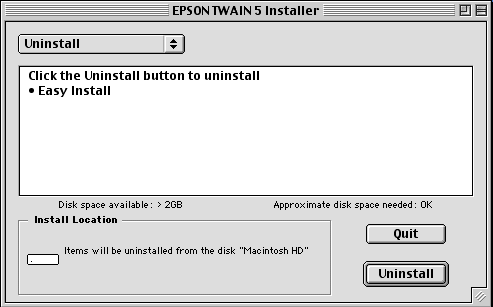
At this window select Uninstall instead of Easy install. Click Uninstall.
Click Continue.
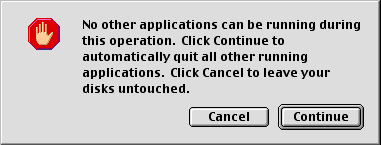
This will now uninstall. To install the scanner driver insert the EPSON Scanner Software CD-ROM and follow the onscreen instructions. For instructions please click the following link:
How do I install an EPSON Scanner on MAC OS?
Article: KB020120 Language: English Product Range: Scanner
