  |
Knowledge
Base FAQ's & Technical Guides |
To install your scanner simply launch the installer from the EPSON Scanner Software CD-ROM and follow the onscreen instructions.
The example used here is with the EPSON Perfection 2450 PHOTO. Proceed by inserting the EPSON Scanner software CD-ROM. Select your language.
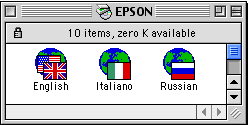
Double click the Installer.
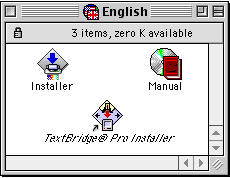
Act accordingly with the following instruction.
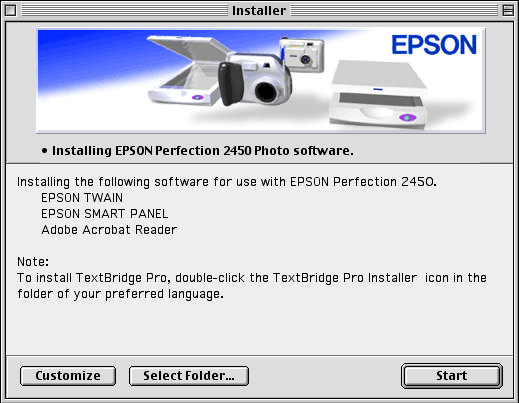
Click Start
.
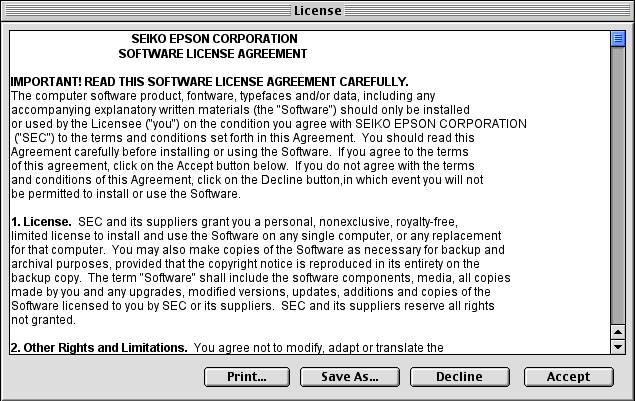
Click Accept to proceed.
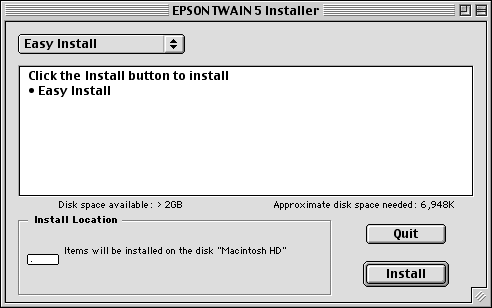
Click Install.
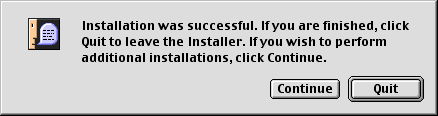
Click Quit.
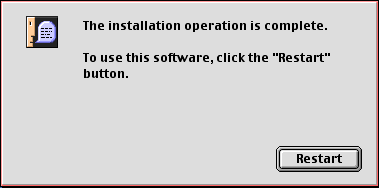
Complete all of the components of the installation. When finished Installer will confirm completion. Click restart.
The scanner is now ready to use. Ensure that it is connected via a USB cable and switched on before use.
Article: KB020119 Language: English Product Range: Scanner
