  |
Knowledge
Base FAQ's & Technical Guides |
How do I install the Perfection 1250, 1650
and 2450 Photo scanners on Windows 98, ME, 2000 and XP?
Insert the EPSON Scanner software CD-ROM and install EPSON Twain. Restart
the computer and connect the scanner. Windows will detect and configure
the scanner automatically.
Instructions
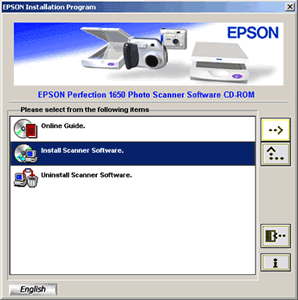
The example used here is the Perfection 1650. Insert the EPSON Scanner software CD-ROM supplied with the scanner. Click on Install Scanner Software and click the arrow pointing to the right.
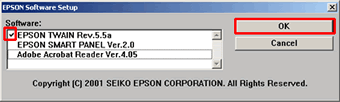
Select EPSON TWAIN only and click OK.
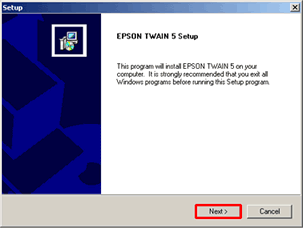
Click Next.
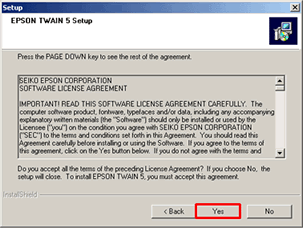
Click Yes to accept the licence agreement.
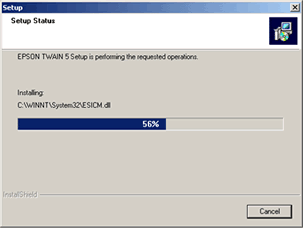
This will then copy the files.
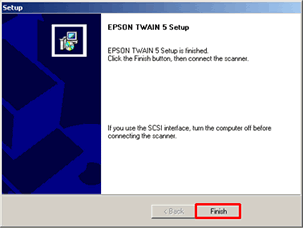
Click Finish to confirm completion.
Windows 98 only: If your system requests the Windows disk please click the following link for further instructions:
Restart the computer. Once restarted connect and switch on the scanner. Windows will automatically install and configure the scanner. To enhance the functionality of the scanner you should install the EPSON SMART PANEL. For instructions please click here:
How do I install the EPSON SMART PANEL?
Article: KB020036 Language: English Product Range: Scanner
