
Using EPSON Instant Photo Print
Before you open EPSON Instant Photo Print, make sure your EPSON scanner and printer are turned on and ready to scan and print. Also make sure the Film Adapter or Transparency Unit is turned on if you are scanning film or slides.
| Note: |
 |
|
|
|
|
|
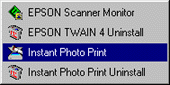
To start EPSON Instant Photo Print, click Start, Program, EPSON Scanner, then choose Instant Photo Print.
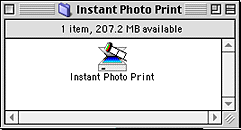
Open the Instant Photo Print folder, then double-click the Instant Photo Print icon.
| Note for Macintosh users: |
| Most illustrations shown in this section are for Windows, so they may vary in appearance from what actually appears on your screen. The instructions should be the same, except as noted. |
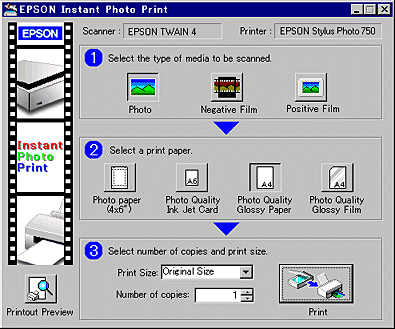
The EPSON Instant Photo Print window appears.
 Previous |
 Next |
