  |
Knowledge
Base FAQ's & Technical Guides |
To install a USB printer insert the EPSON Printer Software CD-ROM and follow the onscreen instructions. After installation configure the printer in the chooser so that Apple Talk is inactive and Back Ground printing in On. Ensure that when the printer is switched on that there is a valid port in the chooser.
To proceed insert the EPSON Printer Software CD-ROM and select your language. The example installation is for the EPSON Stylus C80.
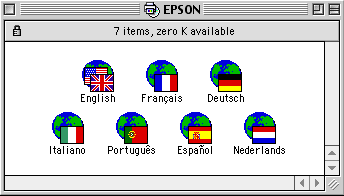
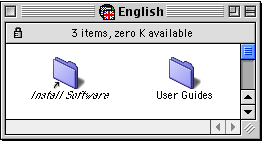
Double click Install Software.
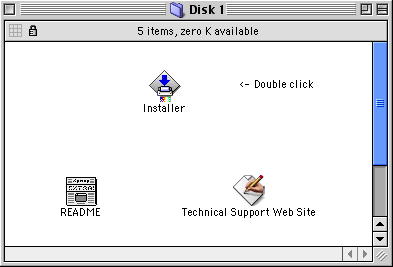
Double click Installer.
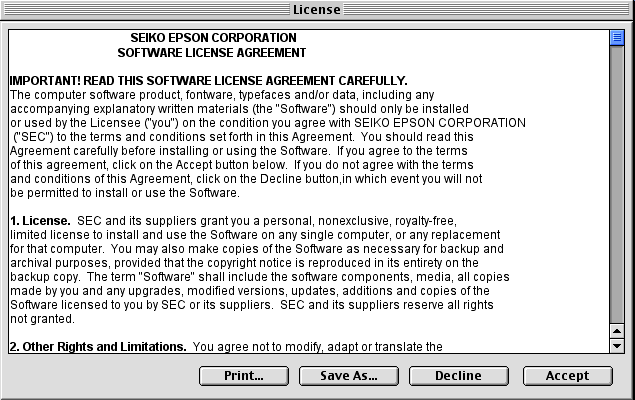
Click Accept to proceed.
Click Install.
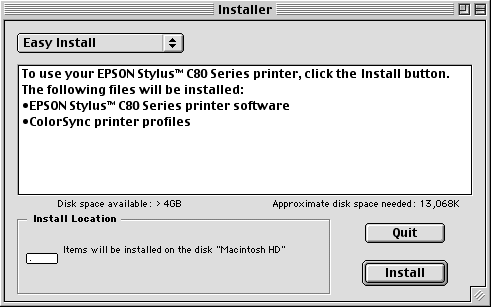
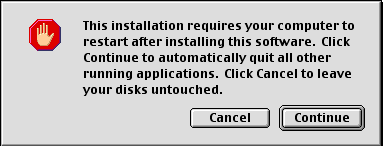
Follow the onscreen instructions and click Continue.
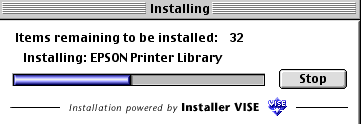
This will now copy the files.
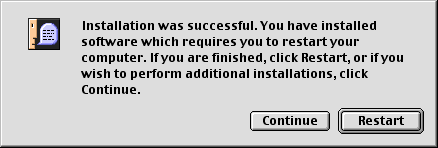
Follow the onscreen instructions and click Restart.
After restarting you need to configure the printer in the chooser. Click the Apple Menu icon and select chooser.
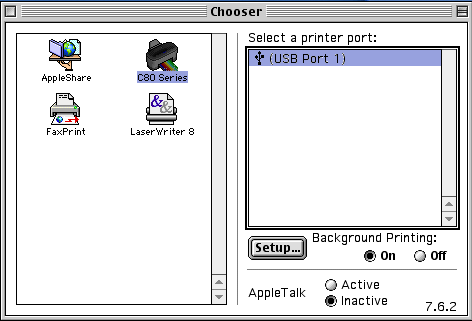
Ensure that there is a valid port (in this case USB Port 1). Configure it so that Background printing is On and Apple Talk is set to Inactive. Your printer is now ready to use.
Article: KB020111 Language: English Product Range: Ink Jet
