  |
Knowledge
Base FAQ's & Technical Guides |
To remove the paper jam please follow the below instructions:
Use the release lever to slightly raise the mechanism so that you can
access the jammed paper.
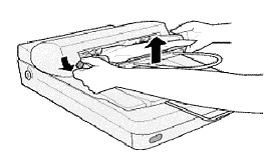
Then gently remove the paper trying not to tear it, as it will make removal
more difficult.
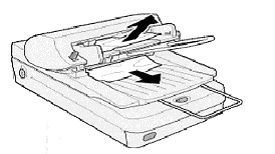
If the paper remains jammed, open the back cover to gain more access.
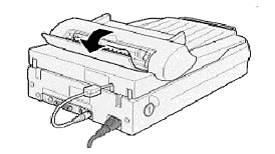
After the removal of the paper jam ensure that the ADF is seated correctly and the back cover is closed.
Article: KB020103 Language: English Product Range: Scanner

©
EPSON