 Start button on the scanner, follow the steps below.
EPSON Smart Panel
To assign an application in the EPSON Smart Panel window to the Start button on the scanner, follow the steps below.
 | Click the EPSON Smart Panel shortcut icon on the desktop to start EPSON Smart Panel. |

 | Select an application from the EPSON Smart Panel list box. |
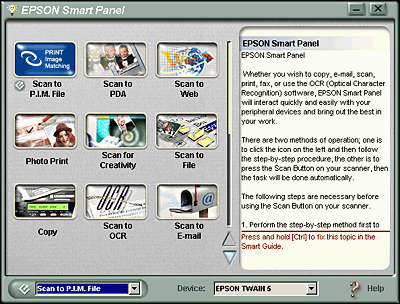
The selected application is assigned to the
 | Note: |
 |
|
 Previous |
 Start button icon added to its application icon.
