
Scanning / Basic Scanning
You can change the scanning resolution as described below.
| Note: |
 |
|
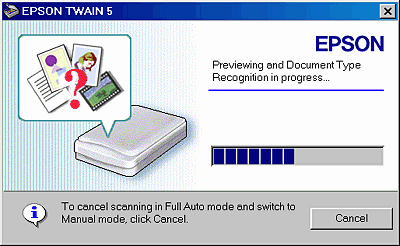
 | Click Cancel during the previewing and Document Type Recognition process (that is, when the following dialog box appears). |
 |
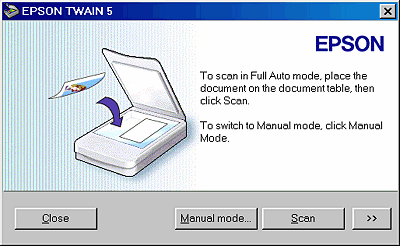
Click the  button (for Windows users) or the arrow on the bottom left corner of the window (for Macintosh users). button (for Windows users) or the arrow on the bottom left corner of the window (for Macintosh users).
|
| | Note: |
| |
|
 | The customizing menu for the Full Auto mode appears. Specify the resolution. |
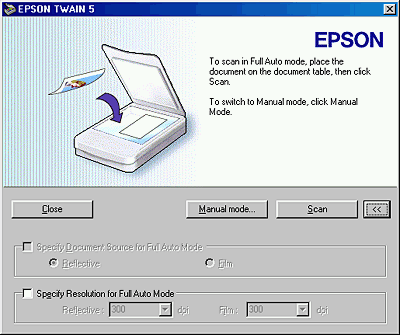
To change the resolution, select the Specify Resolution for Full Auto Mode check box and select a resolution. This overrides the predefined settings. See the following table for the predefined settings.
|
Document Source |
Document Type |
Resolution |
|
Reflective |
Color Photo |
300 dpi |
|
Black & White Photo |
300 dpi |
|
|
Illustration |
150 dpi |
|
|
Text/Line Art |
300 dpi |
|
|
Color Document |
150 dpi |
|
|
Black & White Document |
150 dpi |
 Previous |
 Next |
