  |
Knowledge
Base FAQ's & Technical Guides |
To uninstall a printer driver you need to remove EPSON Printer Software from the Add / Remove programs list in control panel.
Instructions.
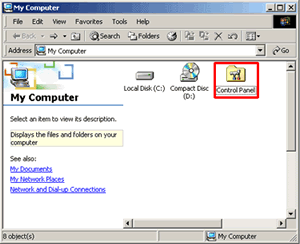
Proceed by double clicking on the My Computer icon on your desktop. Now double-click on Control Panel.
Double click on Add/Remove Programs.
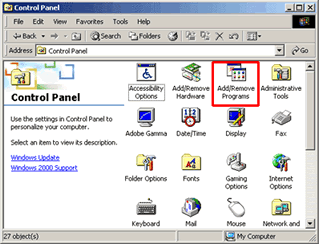
This will now display a list of all the programs installed on your PC. Click on EPSON Printer Software and click Change/Remove.

Click on the Printer you would like to uninstall and click OK.
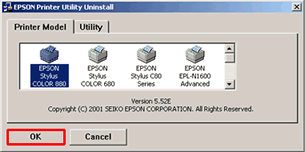
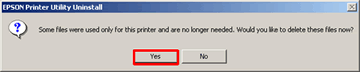
Click Yes.
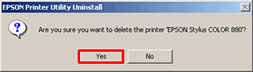
Click Yes.
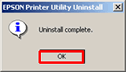
Un-installation is now finished. Click OK.
Please restart your computer to complete. For instructions on how to install the printer driver click here:
How do I install a USB printer on Windows 2000 or XP?
Article: KB020011 Language: English Product Range: Ink Jet/Multifunction

©
EPSON